
How Law Firms Record Client Payments in Clio and QuickBooks Online — Without Double Entry

By Tammy Hoang, Certified QuickBooks ProAdvisor
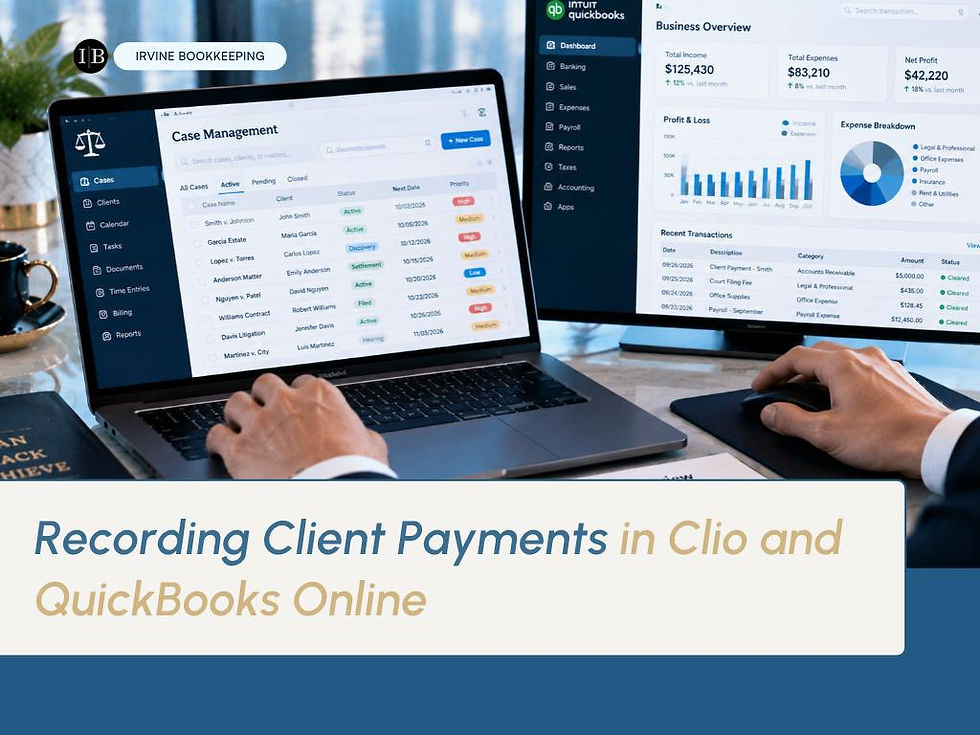
Modern law firms rely on streamlined systems to track every client payment with precision. By integrating solutions such as Clio and QuickBooks Online, your firm can automate much of the payment recording process — eliminating double entry and reducing human error. For firms handling client trust account reconciliation alongside regular billing, that automation is not a convenience feature. It is what keeps two separate financial systems from drifting apart.
Here is how law firm bookkeeping actually works when these two systems are set up correctly, and what breaks down when they aren't.
Seamless Integration Between Case Management and Accounting
Connecting Clio and QuickBooks Online ensures payments logged in your practice management system automatically sync with your financial records. A payment entered once in Clio — against the correct client matter — flows through to QuickBooks Online without anyone re-keying the same transaction a second time. This single point of entry is the foundation everything else in this process depends on.
Firms that skip this integration and manage the two systems separately are effectively running two parallel bookkeeping processes by hand, with every payment entered twice — once in the practice management tool the attorneys actually use day to day, and once in the accounting software that produces the firm's actual financial statements. The two records only stay accurate as long as every single entry is made correctly, twice, without exception.

Still Entering Client Payments Twice?
Book a 30-minute call with Irvine Bookkeeping.
Call or Text: (949) 482-2790 | irvinebookkeeping.com
Why Double Entry Is a Real Risk, Not Just an Inconvenience
When a payment received from a client has to be entered once in Clio and again separately in QuickBooks Online, every re-entry is an opportunity for a transposed number, a missed transaction, or a payment applied to the wrong client matter. For most businesses, that kind of error is annoying but low-stakes. For a law firm handling law firm trust accounting, the same error can mean a client's trust ledger doesn't match what actually happened — a discrepancy that a monthly three-way reconciliation is specifically designed to catch, but only if the underlying data entering that reconciliation was accurate in the first place.
Automated bill syncing removes this risk structurally rather than relying on careful staff to catch every manual entry error before it compounds. When you receive a payment from a client, it's entered once and carried through to your financial software, so every transaction aligns perfectly with your bank statements from the start.

How This Setup Supports Accurate Reconciliation
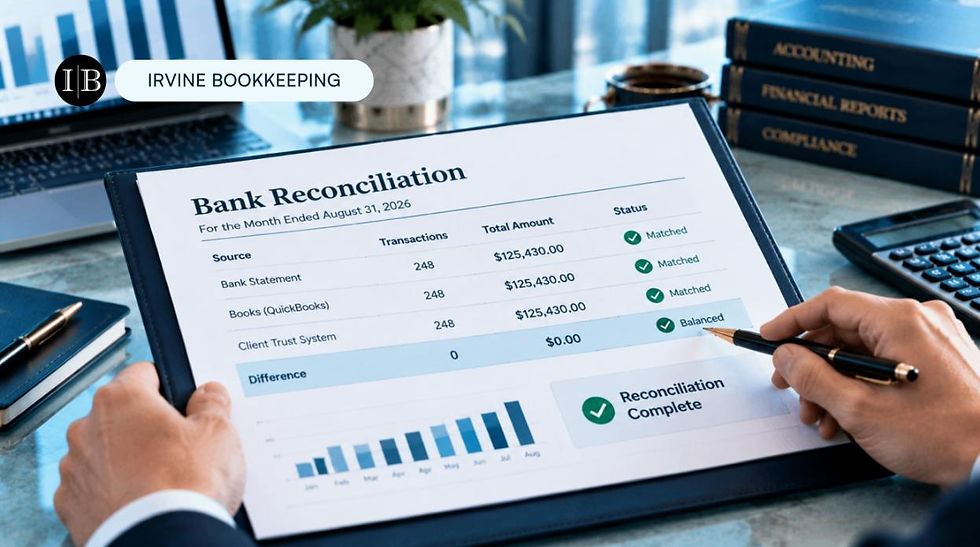
With the right integration in place, each payment is properly matched during monthly reconciliations, helping you maintain compliance and clear records for every client. This matters most for the client trust account reconciliation firms are required to perform, since a genuine three-way reconciliation depends on the trust ledger, the bank statement, and every individual client balance all agreeing exactly — a standard that is far easier to meet when the underlying transaction data entered the system once, correctly, rather than twice with room for drift between the two entries.
A firm reconciling from properly synced Clio and QuickBooks Online records is reconciling against a single source of truth. A firm reconciling from two independently maintained systems is effectively reconciling two different stories about the same transactions, and hoping they happen to agree.
Setting This Up Correctly the First Time
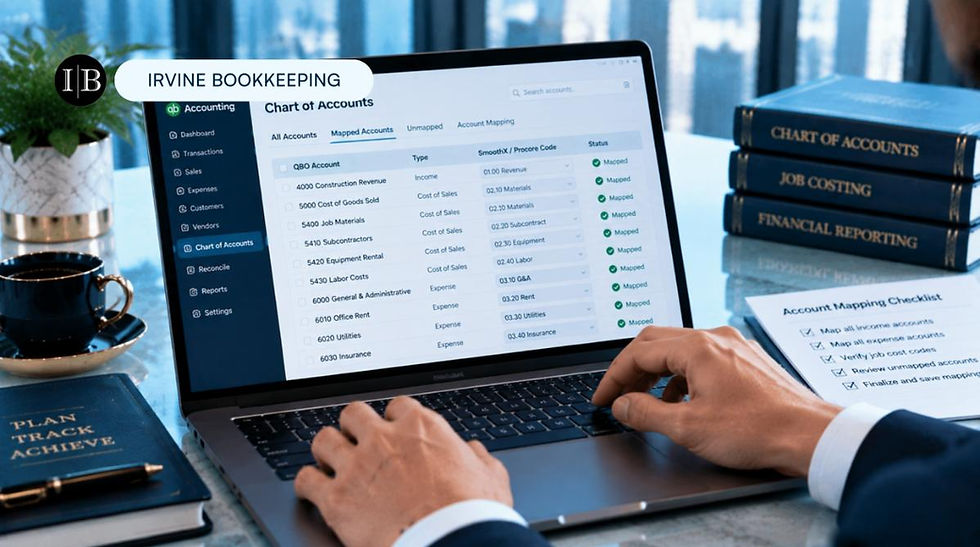
A functioning Clio and QuickBooks Online integration requires more than simply connecting the two accounts — it requires mapping payment types, client trust categories, and operating income correctly on both sides, so that a retainer payment doesn't accidentally get classified the same way as an earned fee, and a trust deposit doesn't get treated as ordinary firm revenue. Getting this mapping wrong at setup creates exactly the kind of law firm trust accounting confusion the integration was supposed to prevent.
Our experts handle all the technical details of this setup, so you can trust that every dollar paid to your firm is carefully tracked and reconciled — leaving you free to focus on your legal work rather than troubleshooting a sync that was never configured correctly in the first place.
How Irvine Bookkeeping Sets Law Firms Up for Success
Here's how we set law firms up for success with Clio and QuickBooks Online: seamless integration so every payment syncs automatically, correct mapping between practice management categories and your chart of accounts, and monthly client trust account reconciliation built on data that was accurate from the moment it was entered.
If you have been searching for a bookkeeper near me who genuinely understands how law firm bookkeeping software actually needs to be configured — not just connected — that is precisely what we deliver. We keep every client payment carefully tracked and reconciled, so your law firm trust accounting is accurate every month, not just at tax time. QuickBooks certified.
[IMAGE 6 — insert here: -orange-county-california.jpg]
MIDJOURNEY PROMPT: Luxury premium financial photography, two professionals shown from behind reviewing a synced financial dashboard together at a glass conference table, deep blue-teal and bright cyan blue lighting, clean white modern office, sophisticated trustworthy mood, no faces visible, photorealistic --ar 16:9 --v 6 --style raw

Get Your Clio and QuickBooks Integration Set Up Right.
Talk with Irvine Bookkeeping about eliminating double entry for good.
Call or Text: (949) 482-2790 | irvinebookkeeping.com


Comments